
How to Set Up a Private Virtual Poker Game With Friends
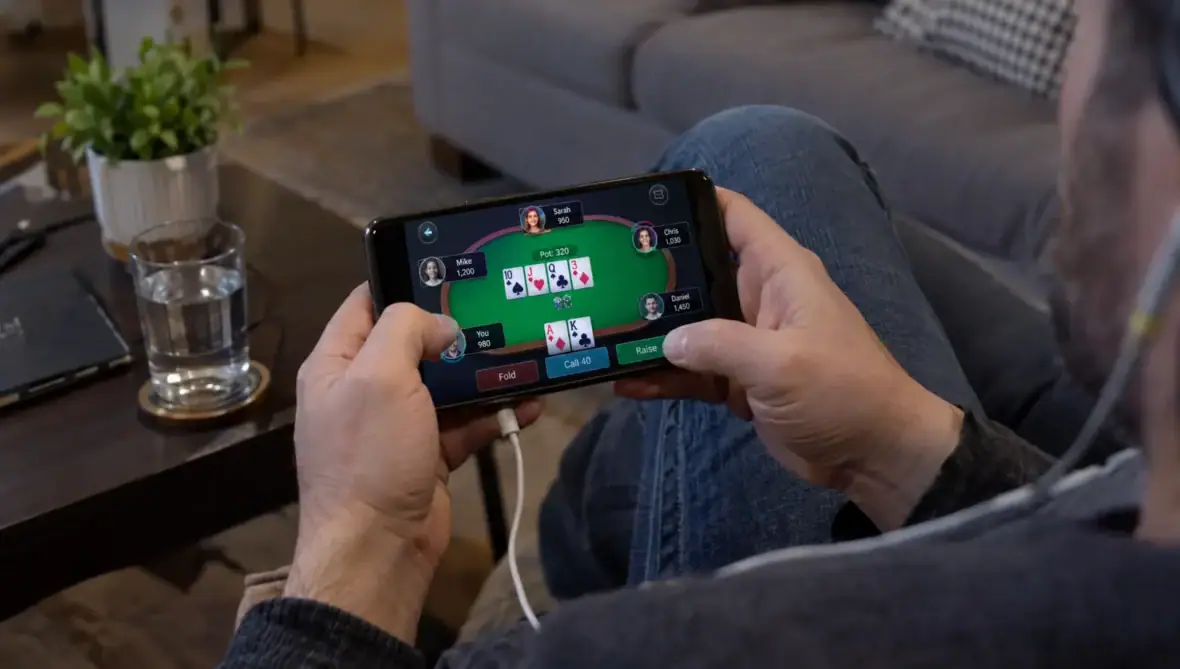
A private virtual poker game lets friends share a table without sharing a room. The simplest setup is usually a play-money table, an invitation link and a separate voice call. You do not need deposits, complicated tournament software or a rewards account to have a good poker night.
The decisions that matter are practical: whether everyone can join from their device, how the game will end and what happens when someone disconnects. Agree on those details before dealing, then run a short test rather than troubleshooting during the first big pot.
1. Decide what kind of poker night you want
Start with a game that matches your group, not the most feature-heavy platform.
For beginners, choose Texas Hold’em with play chips and a fixed finish time. Each player receives two private cards and combines them with five community cards to make the best five-card hand. Keeping everyone on one familiar variant reduces explanations between hands.
A tournament suits a group that wants an eventual winner. Players start with equal stacks, blinds increase and eliminated players stop playing unless your rules permit re-entry. A fixed-blind social game is better when friends need to arrive late or leave early, although you should decide how chips reset and whether anyone is tracking results.
Four to six players is a manageable starting group. Larger groups can work, but you need to check the platform’s seat limit and expect more waiting between turns.
2. Choose a virtual poker platform that fits your devices
Before comparing graphics or customization, confirm that everyone can access the same private table.
| Setup | Best fit | What to check first |
|---|---|---|
| Browser-based table | Friends who want minimal installation | Supported browsers, account requirements and invitation controls |
| Mobile app | A group mainly using phones | Whether private tables work on both iOS and Android |
| Desktop poker client | Players comfortable installing software | Regional availability and private-club requirements |
| Same-room digital table | Friends using individual devices in one place | Screen privacy, connection reliability and accidental card exposure |
Browser tools such as Poker Now are a starting point for an invitation-based game. Another option to investigate is PokerStars Home Games, which uses a private-club approach. Check current availability, supported devices and account requirements before choosing either. Access to a brand’s public games does not necessarily mean its private-game features are available in your location.
For a casual virtual poker night, prioritize easy joining, clear betting controls and a way to restrict access. Then check whether your chosen game type supports the settings you need, including blind levels, starting stacks and re-entry rules.
Do not assume voice chat is included. A separate group call can work well, provided everyone uses headphones and keeps their cards out of camera view.
3. Agree on the rules before sending invitations
Write down the format in the invitation so nobody discovers a surprise rule after losing a hand.
For a first session, use play chips with no entry fee, cash prizes or side settlements. Chips should represent game progress, not a debt between friends. Calling a table “play money” does not settle the legal questions if players exchange money elsewhere.
Decide whether the game is competitive or instructional. In a teaching game, you can pause between hands to explain decisions. During an active hand, however, players should not advise someone who still has cards, reveal folded cards or discuss what they think another player holds.
Your virtual poker rules should also cover late arrivals, re-entry, disconnections and the stopping point. If someone loses connection, the platform may automatically check, fold or use a time bank. Find out how that works rather than promising a pause the software cannot provide.
A simple starter tournament
The following is an example configuration, not a claim that every platform supports these settings:
| Setting | Suggested starting point |
|---|---|
| Variant | No-Limit Texas Hold’em |
| Group size | Six players |
| Starting stack | 3,000 play chips each |
| Opening blinds | 15/30, if custom blinds are supported |
| Blind increases | Every 15 minutes |
| Re-entry | None for the first session |
| Break | Five minutes after the first hour |
At 15/30, a 3,000-chip stack equals 100 big blinds. That leaves room to make decisions before rising blinds put pressure on shorter stacks.
The opening level alone will not determine tournament length. Later blind levels, player behavior and the platform’s dealing pace all matter. Reserve a two-hour window as a scheduling choice, not a guaranteed completion time.
For a social virtual poker game with a hard finish, fixed blinds may be easier. Agree that play ends after a specified final hand and compare chip stacks if you want a winner. Avoid changing the finish rule once someone is ahead.
4. Create the room and secure the invitation
Exact button names vary, but the setup process should follow the same sequence:
- Open the private-game area: Look for a private table, home game, club or invite-only option rather than joining a public lobby.
- Select the game: Confirm the variant, table size and tournament or fixed-blind format.
- Enter the agreed settings: Check starting stacks, blinds, timers and re-entry options before anyone sits down.
- Restrict access: Use a password, host approval or available access controls. An invitation link alone may be forwardable.
- Invite one friend first: Test joining, taking a seat and playing a hand before distributing the link to everyone.
- Share the final invitation privately: Send it directly to your group rather than posting it on a public profile or community page.
Treat the virtual poker room link as an access credential. If it reaches someone outside the group, use the platform’s available controls to remove access or create a replacement room.
Also check what the host can change after play begins. If settings remain editable, agree that no one changes stacks, blinds or player access without telling the group. Clear host responsibilities prevent disputes more effectively than relying on everyone to notice an on-screen update.
5. Run a device and connection test
Ask everyone to join ten minutes early. A successful login is not enough: each person should take a seat, see their own cards and complete a check, call, raise or fold during a practice hand.
Phone users should confirm that bet amounts and confirmation buttons are easy to read. Desktop players should check that call notifications do not cover the table. If someone is playing in the same room as another participant, position devices so private cards are not visible across the table.
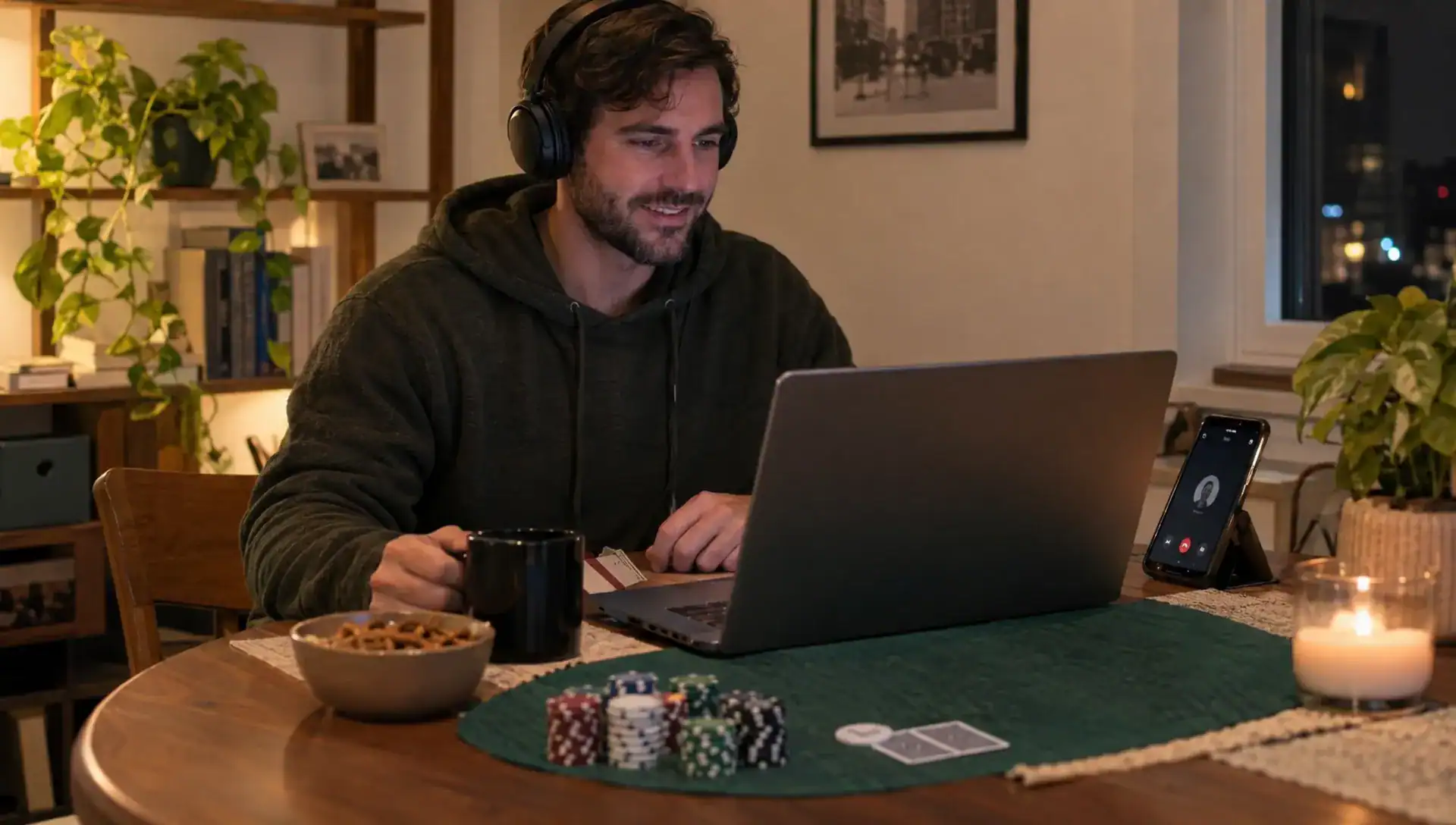
For virtual poker with a separate voice call, headphones reduce echo and make conversation easier to follow. Do not share your poker screen on the call. A screen share can reveal hole cards, account details or hand histories even when the main table appears harmless.
Test reconnection once before the real session starts. Have one player briefly leave and return, then confirm whether they regain their seat and what happens to their hand. Choose a backup message thread so disconnected players can contact the host without needing access to the table.
Finally, restart the game or reset the practice stacks if the platform allows it. Everyone should begin the actual session under the agreed conditions.
6. Keep play friendly without compromising fairness
Social conversation is part of the evening, but discussion about an unfinished hand can change its outcome. Save strategy analysis until the hand ends, and only discuss exposed cards or information players choose to share afterward.
Do not allow private messages between active players about their cards. Friends sharing information can create an unfair advantage even when they think they are only joking. Similarly, avoid outside decision tools, real-time coaching or another person taking over an account.
A relaxed virtual poker game still benefits from consistent rules. If beginners need help, explain the interface and available actions without recommending which action to take in a live hand. You can review the decision after everyone has finished playing it.
For players who need more practice, Rakeback Bible’s guide to what free poker can teach you before you deposit explains how to use no-cost games to learn mechanics and decision-making without treating play-money results as proof of real-money skill.
Give eliminated players an option that does not interrupt the remaining table. They can stay in the call, take a break or join a separate no-stakes activity. Spectators should follow the same rule against commenting on hands in progress.
7. Check privacy and money-related restrictions separately
A private room is not a privacy guarantee
Before creating accounts, check what the platform collects, whether display names are public and how long chat or hand histories are retained. Review account deletion options and any microphone or camera permissions you enable.
Private access does not necessarily mean end-to-end encryption, anonymous play or hidden records. Do not put sensitive information in table chat, and never send identity documents to another player or an unofficial support account.
If a provider requests identification, use this guide to assessing a poker site before sharing your ID to evaluate authorization, privacy practices and the verification process.
Adding money changes the decision
A virtual poker table is not automatically lawful for real-money play because it is private or limited to friends. In the United States, requirements vary by jurisdiction, and players in different states may face different restrictions.
Before considering stakes or prizes, verify the rules for each participant’s physical location through the relevant gambling regulator. Check the operator’s authorization, minimum age, geolocation requirements and terms for private games. Do not bypass location restrictions with a VPN or assume a payment app makes a game permissible.
If you cannot establish that the proposed arrangement is allowed, keep it strictly free with no financial settlement. Any permitted real-money play should have a predetermined spending limit, no borrowing and an easy way for each person to stop.
Also check fees separately from advertised rewards. Rake, subscriptions and other charges can affect costs; a rakeback offer does not determine whether a room is suitable for your group.
8. Send an invitation people can actually use
One clear message is better than scattering the rules across a long chat. Send the table link and password privately, then include the schedule, format and connection-test time.
You can adapt this invitation:
Friday poker night starts at 8 p.m. Eastern, with a connection test at 7:50. We’re playing six-player Texas Hold’em with play chips only, no entry fee, prizes or side bets. Everyone starts with 3,000 chips. No re-entry. We’ll use the agreed blind schedule and take a break after an hour. Please keep the room link private, use headphones and do not share your poker screen. We’ll confirm the finish rule before the first hand.
For a recurring virtual poker night, keep a short record of which settings worked, how long the game lasted and any device problems. That is more useful than changing platforms after every minor inconvenience.
If your group rotates poker with other games, separate their chat threads too. This guide to playing Wordle with friends without daily spoilers offers useful rules for sharing results and agreeing on discussion times without spoiling someone else’s game.
Frequently asked questions
Can we play without downloading an app? Yes, browser-based poker tools can support private games without a dedicated app. Check the specific service’s current browser support, account requirements and private-table features before sending invitations.
How many friends can join one table? The limit depends on the platform and game variant. Confirm the actual seat limit, not just how many members can join a club. Four to six players is a practical starting group for a first session.
Can we play virtual poker for free? Yes. Choose a play-chip setup with no required deposit, entry fee, cash prize or side settlement. Check for subscriptions or optional charges so everyone understands any platform costs.
What are the basic betting rounds in Texas Hold’em? Players act before the flop, after the three-card flop, after the turn and after the river. Available actions depend on whether a bet is outstanding and can include checking, betting, calling, raising or folding.
What happens if someone disconnects? The platform’s timeout rules determine whether their hand checks, folds or uses extra time. Test reconnection beforehand and agree whether the host will pause subsequent play when that option exists.
Should we compare rakeback deals for a friends-only game? Not for a simple free-chip night. If you later consider eligible real-money rooms, examine legality, game access, fees and reward terms separately. Private-table activity may have different reward eligibility from public games.
Start with a test table, not a deposit
Choose one platform, invite one friend and test a few hands before organizing the full group. Once access, rules and reconnection work, send the final invitation and keep the first session simple.
If you later want to explore other poker options, use Rakeback Bible’s poker-room reviews and deal comparisons alongside your own checks on location eligibility, costs and terms.
Author